Graphics & Design

Spool Log - 3D Print Manager

Track 3D printing filament

iOS 17.0 or later · Updated Jun 2026 · 34 languages
Download on the App Store
Free One-time unlock · $5.99
Spool Log - 3D Print Manager icon
Spool Log - 3D Print Manager screenshot 1
Spool Log - 3D Print Manager screenshot 2
Spool Log - 3D Print Manager screenshot 3
Spool Log - 3D Print Manager screenshot 4
Spool Log - 3D Print Manager screenshot 5
Spool Log - 3D Print Manager screenshot 6
Spool Log - 3D Print Manager screenshot 7

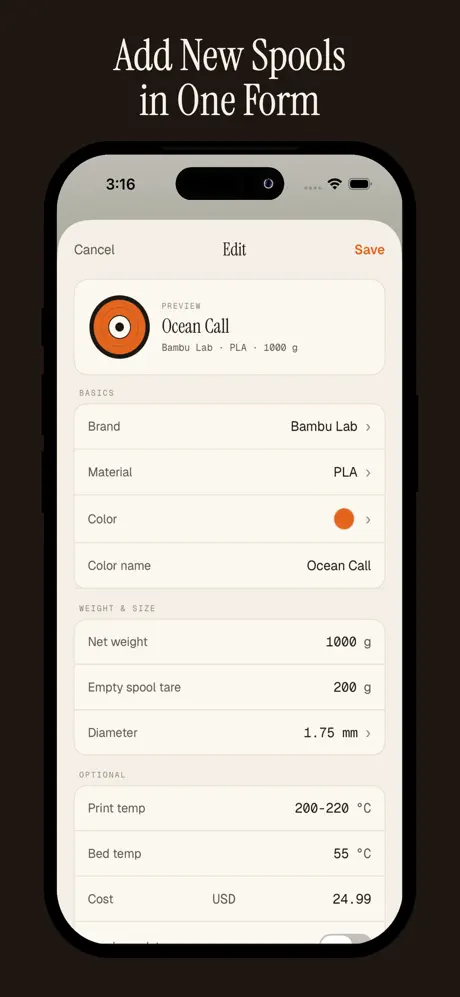
The simplest way to manage your 3D printing filament. Add spools, log prints, and always know how much material is left - down to the gram.

Read full description +
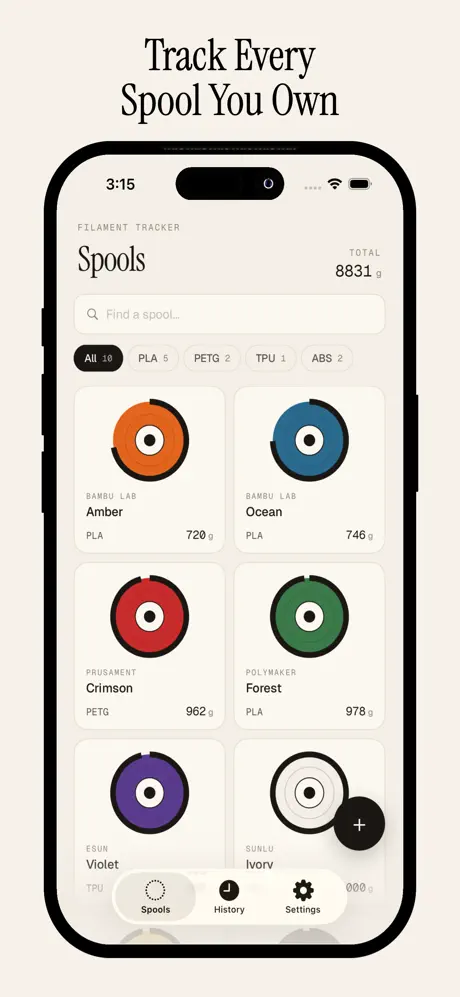
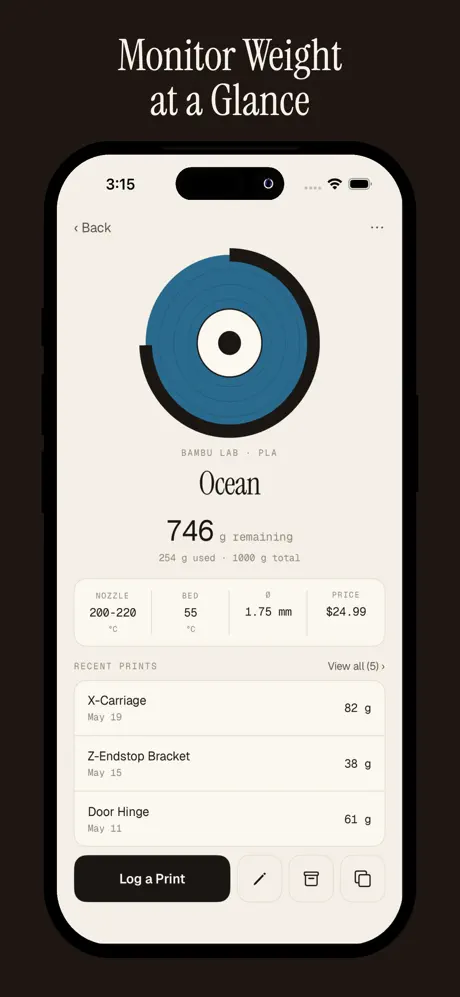
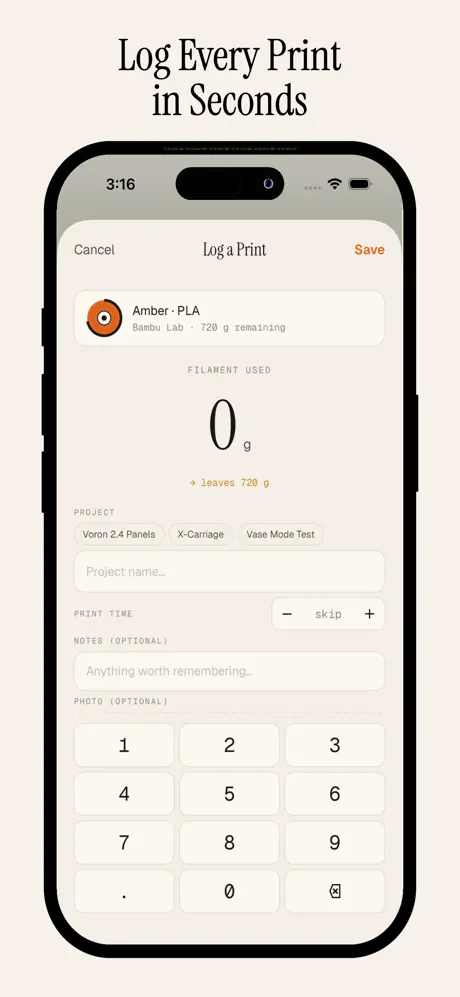
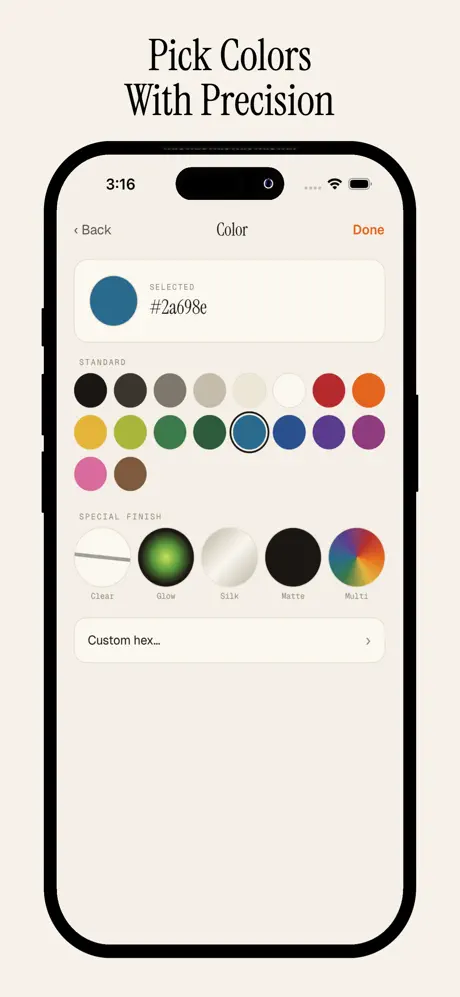
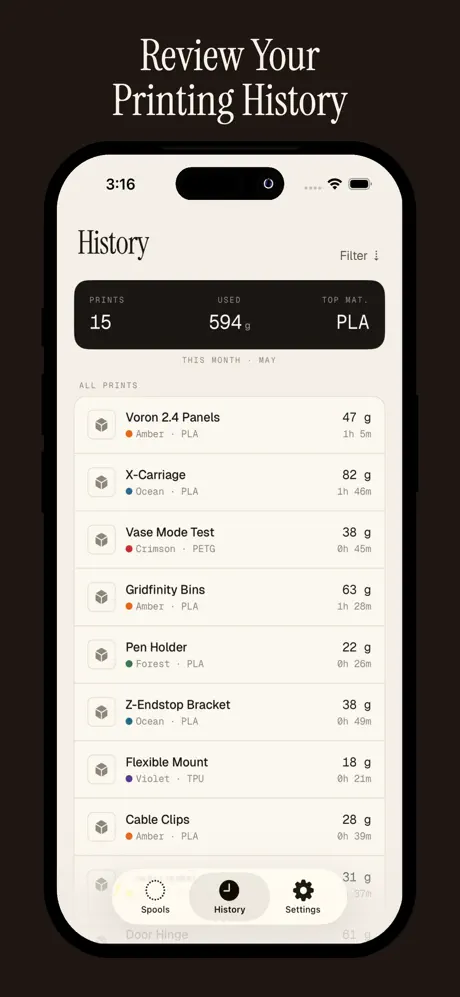
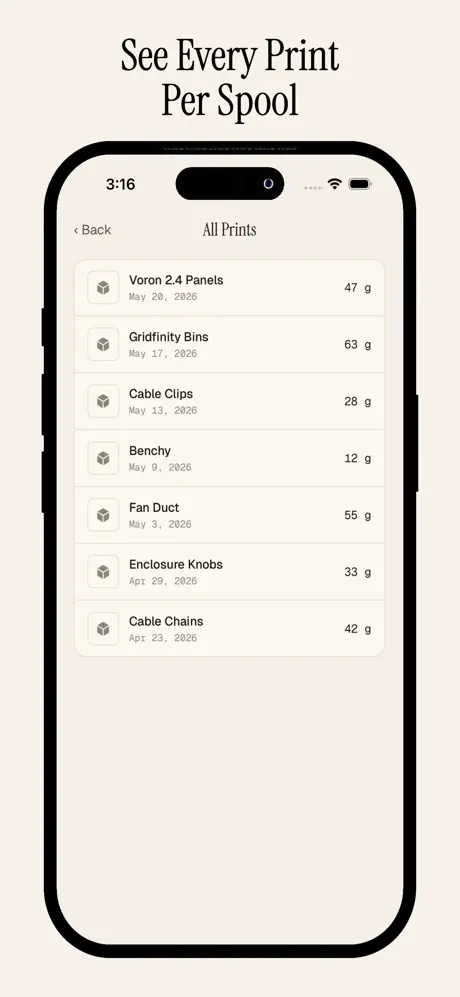
Spool Log is the simplest way to manage your 3D printing filament. Add spools, log prints, and always know how much material is left - down to the gram. Always Know What's Left Each spool shows its remaining weight live, updated every time you log a print. A colour-coded progress ring makes low filament obvious at a glance. Log Prints in Seconds Enter the grams used on a custom keypad, tag a project name, set print time, and attach a photo. The app deducts the usage and shows you what's left instantly. Full Print History Every print you log is stored with project name, date, grams used, duration, and an optional photo. Filter by month or view the complete history with Pro. Features • Visual spool grid - see all your spools with colour rings and remaining weight at a glance • Smart defaults - printer, diameter, and weight pre-filled from your settings • iCloud sync - your inventory stays in sync across all your devices automatically • Custom lists - manage your own brands, materials, and diameters (Pro) • Duplicate spools - copy any spool with one tap (Pro) • Special finishes - Silk, Glow, Clear, Matte, and multi-colour swatches (Pro) • Photo logs - attach a photo to every print entry (Pro) • Full history - access your complete print archive beyond the current month (Pro) • Hex colour picker - match exact manufacturer colour codes (Pro) No Account. No Subscription. Spool Log works entirely on your device. No email, no login, no cloud account required. iCloud sync uses your existing Apple ID - nothing extra to sign up for. Spool Log Pro Unlock the full toolkit with a single one-time purchase. Unlimited spools, complete print history, photo attachments, special finishes, custom hex, duplicate, and custom lists - all included, no subscription ever. Download Spool Log and stop guessing how much filament you have left.
Live remaining weight per spool
Color-coded low-filament rings
Log grams, project, time and photo
Full print history
iCloud sync across devices
Spool Log - 3D Print Manager
Track 3D printing filament

Download on the App Store
What does Spool Log do? +

Spool Log manages your 3D-printing filament. It tracks each spool’s remaining weight to the gram and logs every print with the material used, project name, and time.

Does it sync across devices? +

Yes. iCloud sync keeps your inventory in sync across your devices using your existing Apple ID, with no separate account to create.

Is there a subscription? +

No subscription. A single one-time Pro purchase unlocks unlimited spools, full print history, photo logs, special finishes, and custom lists.

Can I track different printers and materials? +

Yes. Set your printer, filament diameter, and material, and manage your own brands, materials, and diameters with Pro.

Does it support special filament types? +

Yes. Pro includes special finishes such as Silk, Glow, Clear, and Matte, plus multi-color swatches and a hex color picker to match manufacturer codes.