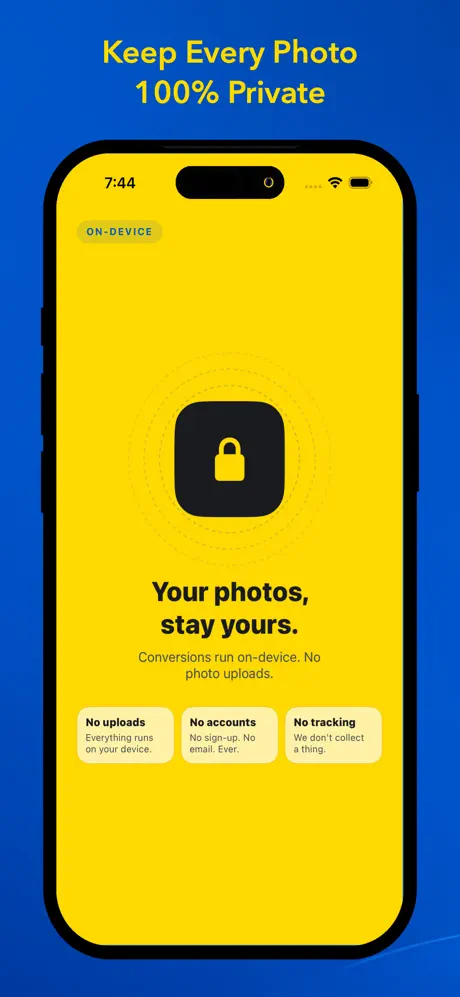
Instantly convert iPhone photos from HEIC to JPG, PNG, WebP, or PDF. Fast batch conversion that happens entirely on-device - no uploads, no tracking.
Read full description +
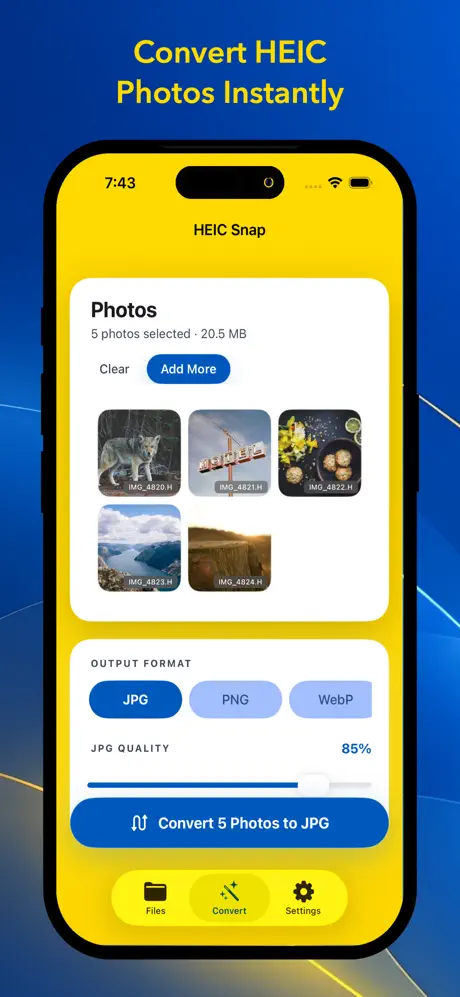
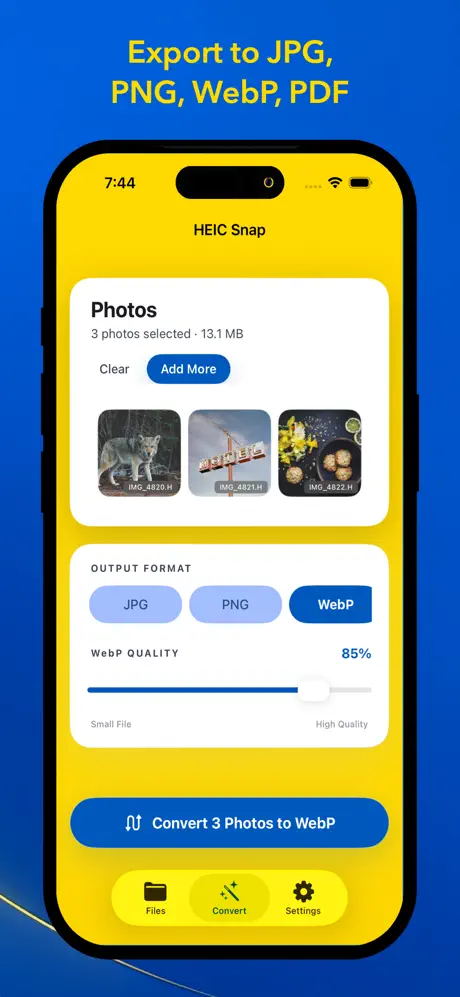
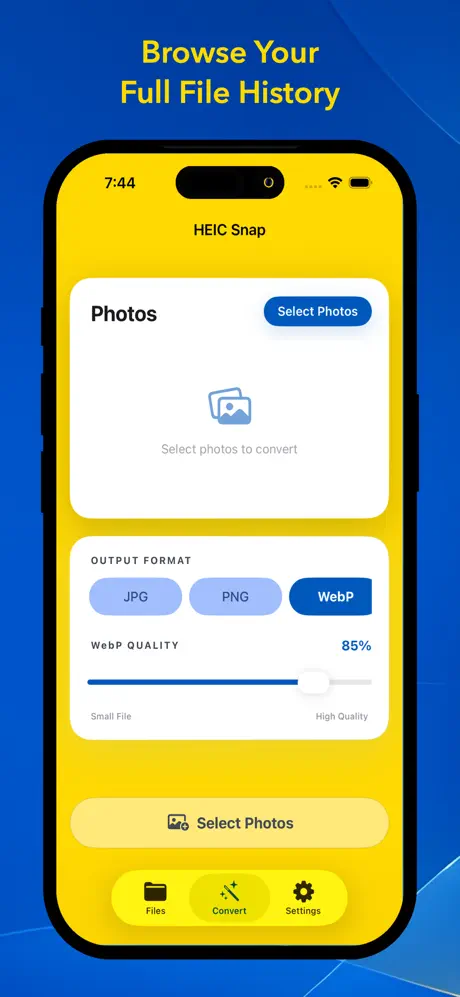
HEIC Snap instantly converts your iPhone photos from HEIC to the format you need. Select photos from your library, pick JPG, PNG, WebP, or PDF, and tap convert. Every conversion happens on-device - nothing is uploaded, nothing is tracked, and your originals are never modified.
Fast Batch Conversion
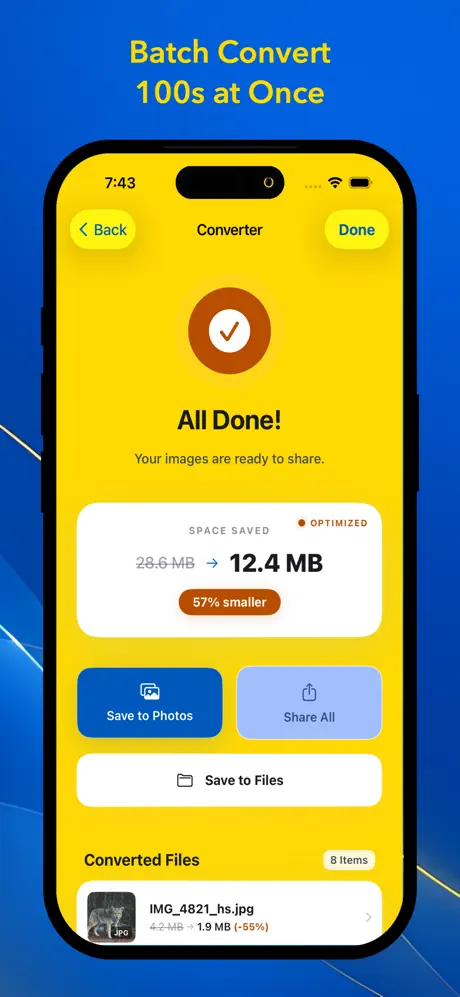
Select up to 100 photos at once and convert them all in seconds. HEIC Snap preserves original filenames, adds a customizable suffix to avoid overwriting, and automatically handles duplicate names. Watch real-time progress as each photo is processed.
Four Output Formats
JPG and PNG are free for everyone. Unlock Pro to access WebP for smaller web-ready files and PDF for documents, presentations, and sharing. JPG and WebP support an adjustable quality slider so you can balance file size and image clarity exactly the way you want.
Your Photos Stay Private
HEIC Snap converts entirely on your device. There are no servers for your photos, no accounts, no analytics, and no photo uploads. Your converted files never leave your device. We only read the photos you select to perform conversions - we never modify or delete your originals.
Features
• Convert photos to JPG, PNG, WebP & PDF
• Batch convert up to 100 photos at once
• Adjustable quality slider (10-100%)
• EXIF metadata preservation (JPG & PNG)
• Original filename retention with custom suffix
• Save to Photos, Files, or share anywhere
• PDF options: page size, orientation, compression, fit to page
• Conversion history with file details and sizes
• Photo conversions run on-device - no uploads, no tracking
Full Control with Pro
A single lifetime purchase unlocks everything: batch conversions up to 100 photos, WebP and PDF formats, quality slider for JPG and WebP, Share All and Save to Files, EXIF and filename controls, and all PDF options. No subscriptions, no ads, no catches.
Download HEIC Snap today and stop wrestling with HEIC files. Convert, share, done.